AI motion design: a practical guide for brands
How to use AI and code-driven motion design for product videos, launches and ads.
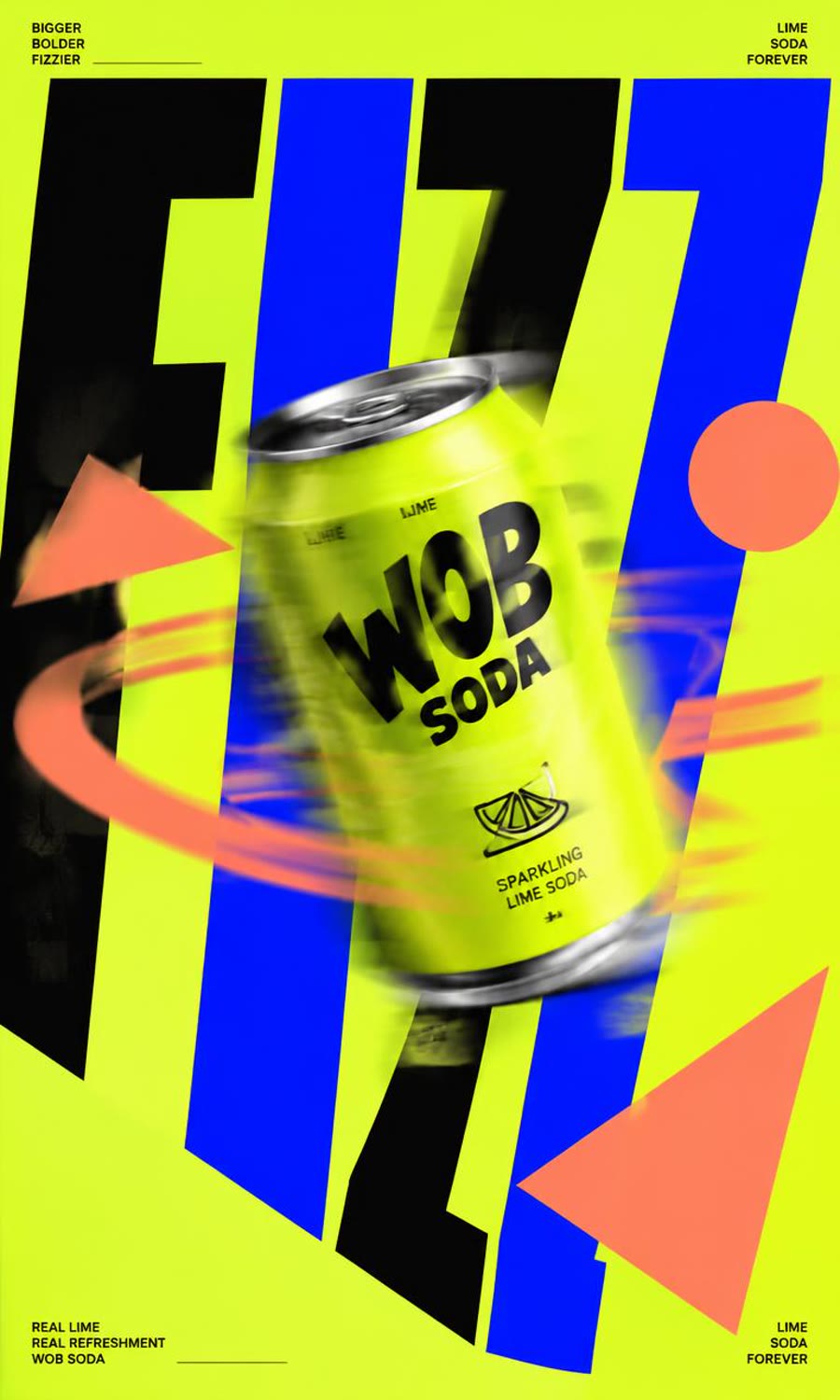
What it is
Motion design is animated type, shapes and layout. With AI, you can describe the sequence and have it built as code or generated, which makes changes much faster than rebuilding a timeline by hand.
Why it works
Movement directs the eye, so you control exactly what people read and when. Clean motion also makes a small brand look established, and it holds up well on mute.
Best for
- Software and app launches
- Feature announcements
- Data and results presented clearly
- Brands with a strong visual identity
How to make it
- Write the message as short lines, with one idea per beat.
- Set your brand fonts and colors first.
- Plan the sequence: hook, problem, product, proof, call to action.
- Build or generate each beat.
- Sync the cuts to the music.
- Check that every line can be read on a phone.
Starter prompt
Kinetic typography on an off-white background, bold black sans-serif words snap into place, one orange circle bounces with squash and stretch, smooth easing, minimal layout.
Quick specs
- Length
- 15–45 seconds
- Ratio
- 9:16, plus 16:9 for landing pages
- Pacing
- Follow the music beat
- Audio
- Music first, works on mute
Common mistakes
- Too much text per screen
- Using effects with no reason behind them
- Uniform timing with no rhythm
- Ignoring phone-sized legibility
FAQ
Can AI make motion graphics?
Yes. You can describe animations and generate them as video or as code, which keeps them easy to edit.
How long should a launch video be?
Short enough to hold attention. Aim for one clear message, then test a shorter cut.